A cookie consent banner is one of those website elements that business owners tend to treat as a formality. They copy a ready-made template, click publish, and consider the matter closed. In practice, it is one of the areas where data protection authorities most frequently identify violations and issue fines.
In 2024, one e-commerce company was fined €15,000 for an incorrect cookie banner and for failing to provide users with a genuine option to decline tracking. This is not an exception — it is an increasingly common outcome of regulatory enforcement.
In this article we explain:
- what cookies are and when they require consent,
- what a GDPR-compliant cookie banner must include,
- the most common mistakes and how to avoid them,
- and what penalties apply for missing or incorrect implementation.
What are cookies and why does GDPR apply?
Cookies are small text files stored in a user’s browser when they visit a website. They can hold session data and user preferences, but in the case of analytical and advertising cookies, they can also track user behaviour across multiple websites.
When cookies can be linked to an identifiable individual, they constitute personal data under the GDPR. This is why collecting them without a valid legal basis is a violation of the regulation.
From a GDPR perspective, cookies fall into three main categories:
Strictly necessary cookies — required for the website to function (login sessions, shopping carts). These do not require consent and may be placed without asking.
Analytical cookies — collect data about how users interact with the site (e.g. Google Analytics). As a rule, these require consent, though limited exceptions exist for tools configured to minimise privacy impact.
Marketing and profiling cookies — used to display personalised advertising and to track users across websites. These always require a clear, freely given consent.
What must a GDPR-compliant cookie banner include?
A cookie banner is not merely a design element. Its content and functionality must meet specific requirements under the GDPR and the ePrivacy Directive.
1. Information about which cookies are used
The user must know what categories of cookies are used on the site, for what purpose, and by whom — including third parties such as Google or Meta.
2. A genuine choice — including the option to decline
This is one of the most frequent violations. A banner that offers only an “Accept all” button with no option to decline or adjust settings does not comply with GDPR. Users must have a real ability to refuse.
The “Accept” and “Decline” options must be presented on equal terms — in terms of both visibility and ease of use. Hiding the decline option, using smaller font sizes, or lower colour contrast are practices that supervisory authorities treat as manipulative design. The EDPB Cookie Banner Taskforce confirmed this in its final report on cookie banner enforcement.
3. No pre-ticked consent boxes
Consent must be an active act by the user. Pre-ticked checkboxes or cookies enabled by default (other than strictly necessary ones) are not permitted under GDPR Article 7 and the EDPB Guidelines 05/2020 on consent.
4. The ability to withdraw consent
A user who has given consent must be able to withdraw it at any time — just as easily as they gave it. This is typically implemented via an icon or link in the site footer leading to a cookie settings panel.
5. A link to the privacy policy and cookie policy
The banner must include a reference to full information about cookies — their types, purposes, third-party recipients, and retention periods.
The most common cookie banner mistakes
Based on decisions issued by European data protection authorities and EDPB guidance, the following errors appear most frequently:
No “Decline” button. The user sees only “Accept all” and must search through an extended menu to find a refusal option — or no option exists at all.
Tracking cookies load before consent is given. Google Analytics or Meta Pixel scripts fire immediately on page load, before the user makes any choice.
Consent is implied. The banner states that “by using this site, you agree to cookies” — without any active user action. This approach does not meet GDPR requirements.
No consent records. The data controller must be able to demonstrate that consent was obtained. Without a system that logs when and to what a user consented, the accountability principle is not met.
A template not adapted to the actual site. The cookie policy describes tools the site does not use, or omits those that are actually in place (such as remarketing pixels or heatmap tools).
What are the consequences of a non-compliant cookie banner?
Data protection authorities have the power to impose fines on any organisation that processes user data without a valid legal basis. Where cookies are concerned — absent or manipulative consent — a violation may result in:
- a financial penalty,
- an order to bring the site into compliance,
- publication of the decision (which affects the organisation’s reputation).
It is worth noting that DPA decisions are public — published on regulatory authority websites and indexed by search engines. For many businesses, reputational damage proves more costly than the fine itself.
Tools for implementing cookie consent (CMP)
Consent Management Platforms (CMPs) are tools that automate the collection, storage, and documentation of cookie consent. Commonly used solutions include Cookiebot, Usercentrics, and CookieYes.
A good CMP should:
- automatically scan and detect cookies used on the site,
- block tracking scripts until consent is given,
- log consent records with timestamps and policy version,
- allow users to withdraw consent at any time.
Installing a CMP alone does not guarantee compliance. The tool must be properly configured — assigning cookies to the correct categories and accurately describing purposes and third parties requires review by someone with knowledge of the applicable rules.
Cookies and broader GDPR management
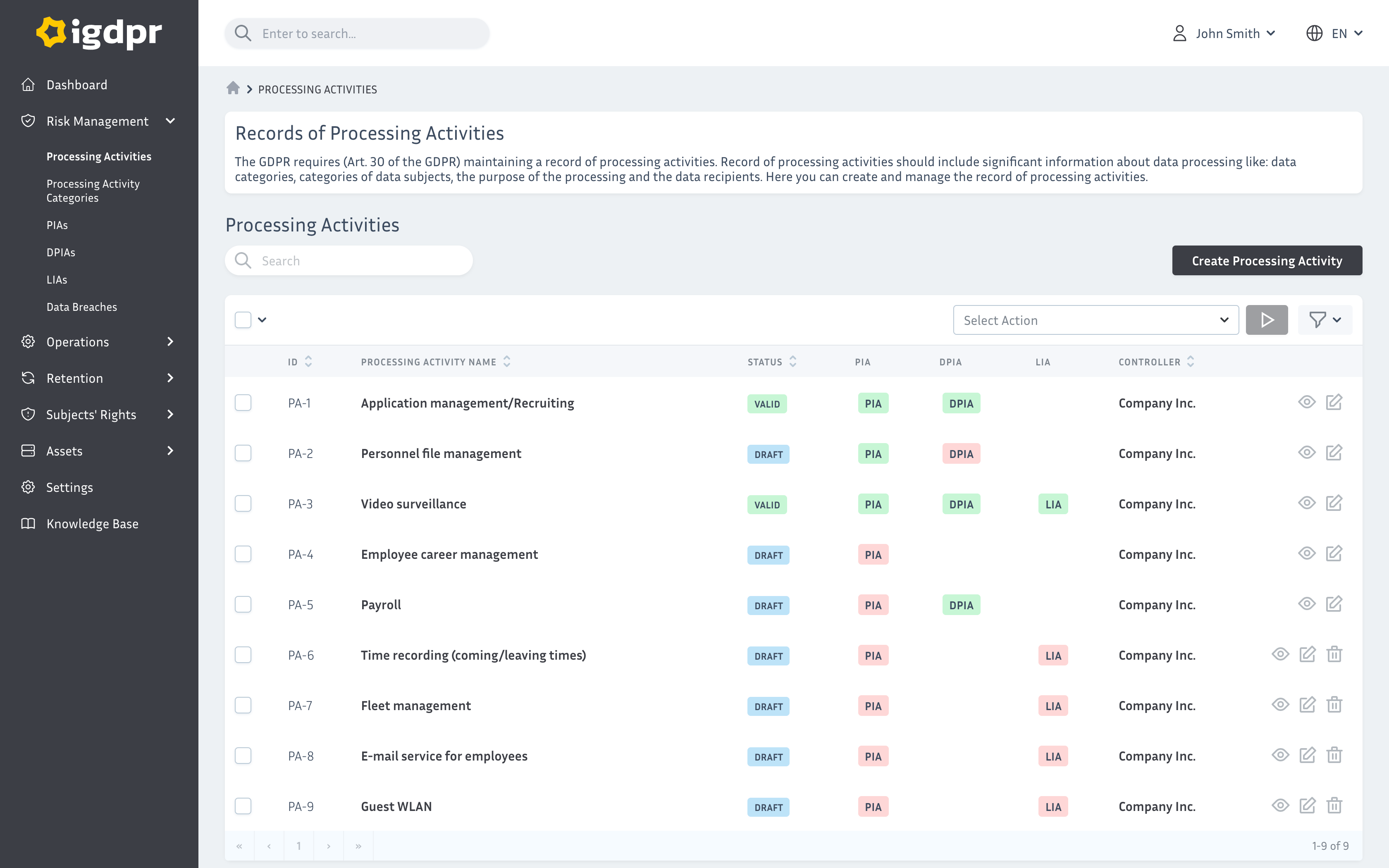
A cookie banner is just one element of GDPR compliance. Behind consent collection lies a broader set of obligations: documenting legal bases for processing, maintaining a record of processing activities, and ensuring the ability to fulfil data subject rights — including the right to erasure.
If your organisation uses analytics tools, advertising platforms, or CRM systems fed with data from your website, the data collected via cookies should be reflected in your record of processing activities and your risk assessment.
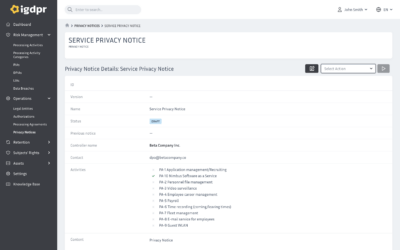
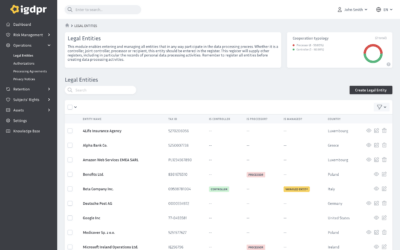
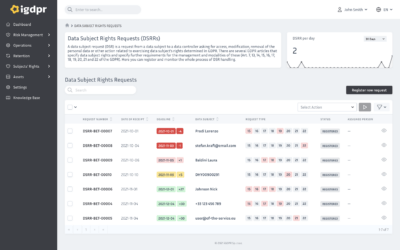
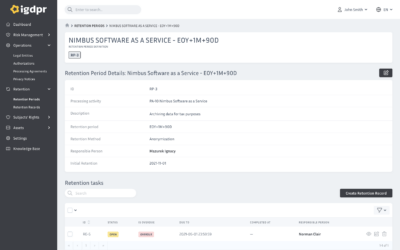
Managing all of this in one place — from cookies to the processing register, authorisations, and data retention — is significantly easier when it happens in a single system. That is exactly what iGDPR is built for.
Summary
A compliant cookie banner is not a matter of website aesthetics — it is a legal obligation. Incorrect implementation can result in a financial penalty, but more fundamentally, it means processing user data without a valid legal basis. That is a GDPR violation regardless of whether a fine follows.
The key principles to keep in mind:
- analytical and marketing cookies require active, freely given consent,
- users must be able to decline cookies just as easily as they can accept them,
- tracking scripts must not load before consent is obtained,
- consent records must be documented,
- users must be able to withdraw consent at any time.
If you want to check whether your site meets these requirements, start with an audit of your current cookie banner and a review of every third-party tool running on your pages.
Manage cookie consent and all GDPR obligations in one place
iGDPR helps you maintain your record of processing activities, manage consents, and document legal bases for processing — including data collected through your website. See how it works in practice.
START FREE TRIAL, no commitment